Bunny Frame from basic shapes before and after welding.

Bunny Frame from basic shapes before and after welding.
Creating weeding line without having to invest in Silhouette Business or SCAL Pro
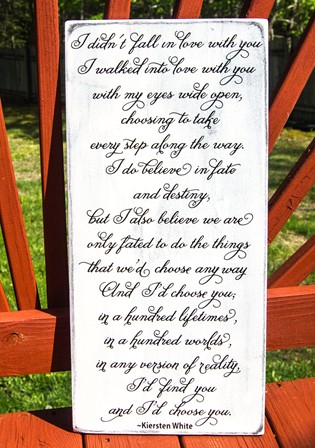
Weeding lines can be very useful and make your life much easier, especially when you are working with a lot of text like I did in this. Even so, it can be difficult to make sure that your weeding lines don’t cut through your text if you just draw them in.
This method shows you how to do that.
Open your Studio program (this works basically the same way in SCAL) and create your design.
If you are creating your own text, first weld it; then create a compound path. This makes it easier to work with since it’s now one object.
 Select each line – its easier if you make them slightly longer than your design. Right click and make them a compound path. If you have a lot of text, move the text off the mat, select all the lines and make a compound path, and move the text back on

